Export ledger data as CSV
Export the ledger report as a CSV file so you can process the data in Excel or another application.
Export ledger data
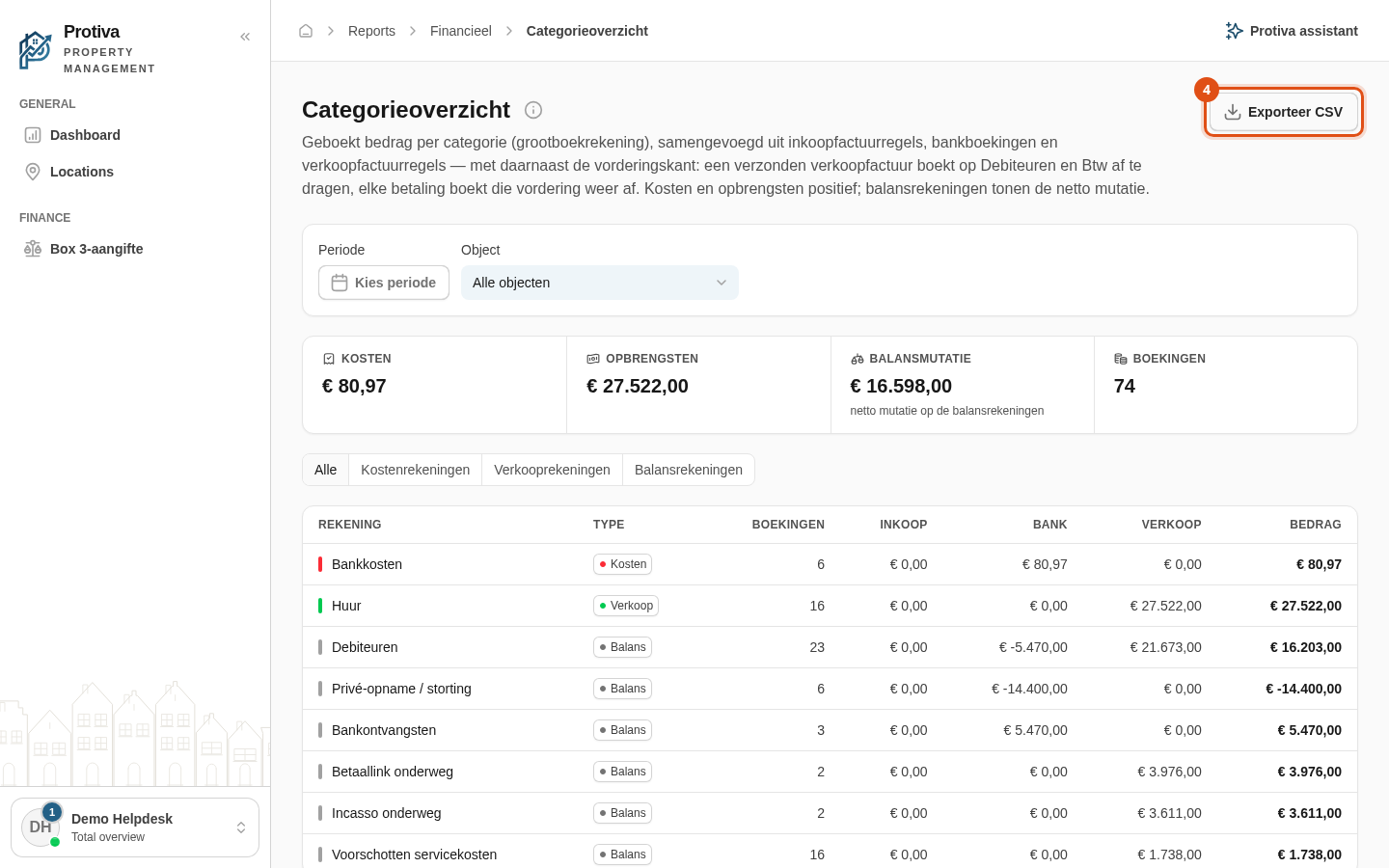
Go to Reports;
- Open the category overview (ledger);
- Optionally set the desired period and property using the filter bar;
- Click Exporteer CSV.
The CSV file is downloaded immediately. It contains the columns Rekening, Type, Bron, Boekingen, Inkoop, Bank, Verkoop and Bedrag. If you have a type filter active (for example cost accounts only), the export includes only the filtered rows.