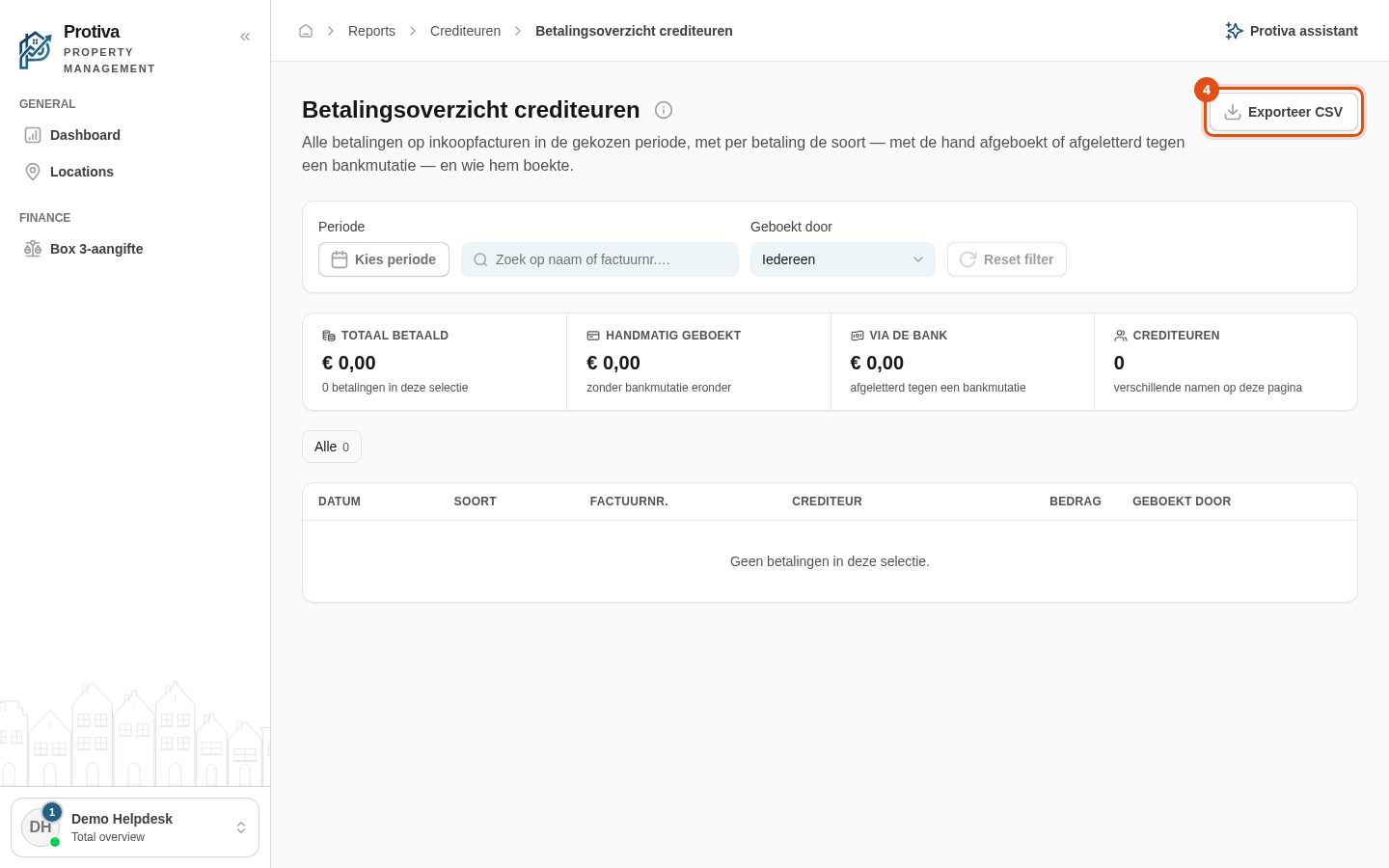
Export creditor payments as CSV
Export the creditor payment register as a CSV file so you can process the data in Excel or another application.
Export payments
Go to Reports;
- Open the creditor payment register;
- Optionally set the desired period, search field or filter to narrow the selection;
- Click Exporteer CSV.
The CSV file contains the columns Datum, Soort, Factuurnr., Crediteur, Bedrag and Geboekt door. If the selection contains more than 5,000 payments, only the first 5,000 are exported; choose a shorter period to get the rest.