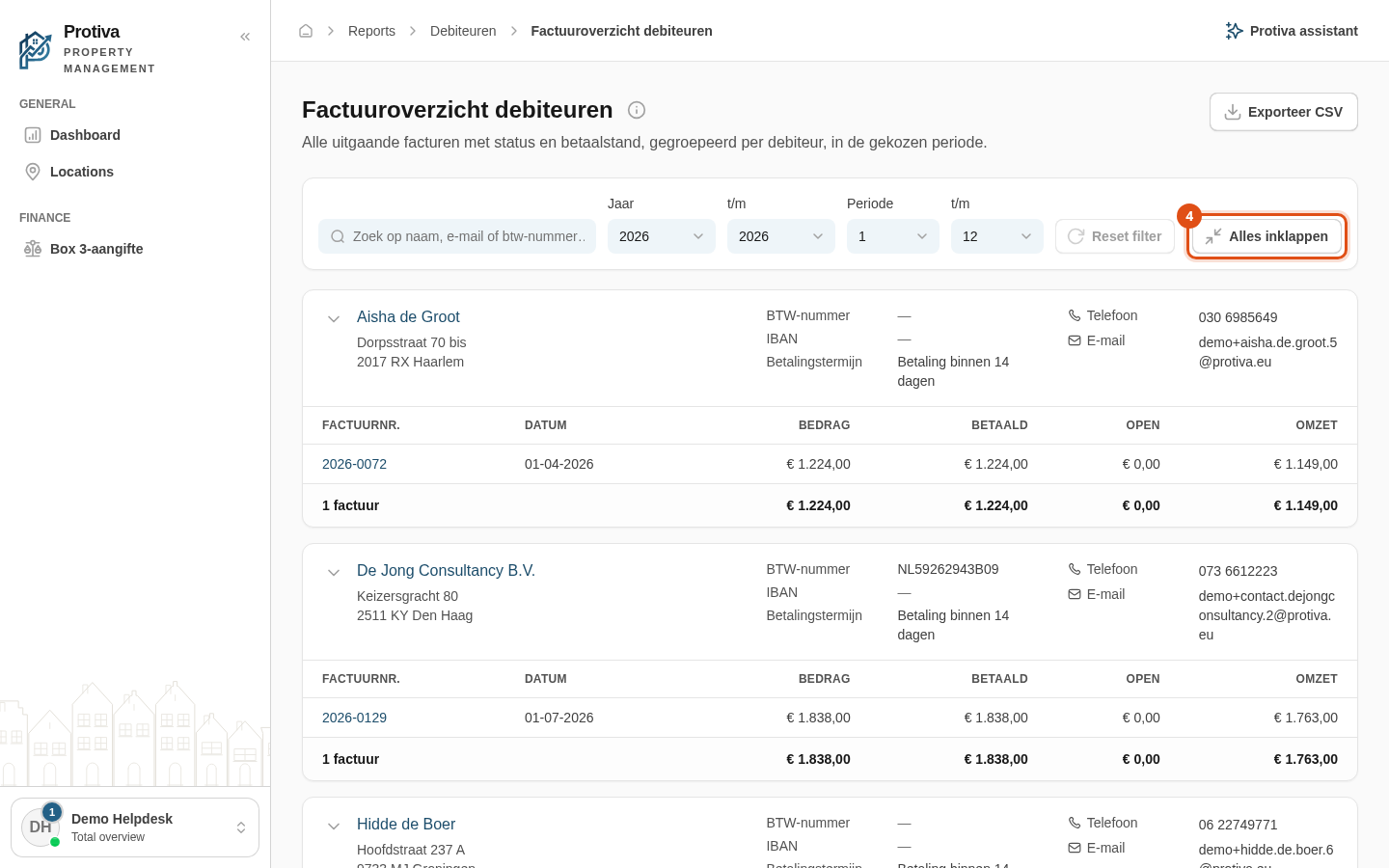
Expand and collapse debtor cards
Each debtor in the invoice overview is displayed as a collapsible card. Collapsing a card shows only the totals per debtor; expanding it reveals all individual invoice lines.
Expand or collapse a single debtor card
Go to Reports;
- Click the chevron (arrow) to the left of the debtor name to expand or collapse the card.
Expand or collapse all cards at once
- Go to Reports;
- Click the Alles inklappen or Alles uitklappen button at the top right of the filter bar.
When a card is collapsed, the totals row showing the number of invoices, total amount, paid, outstanding and revenue remains visible.