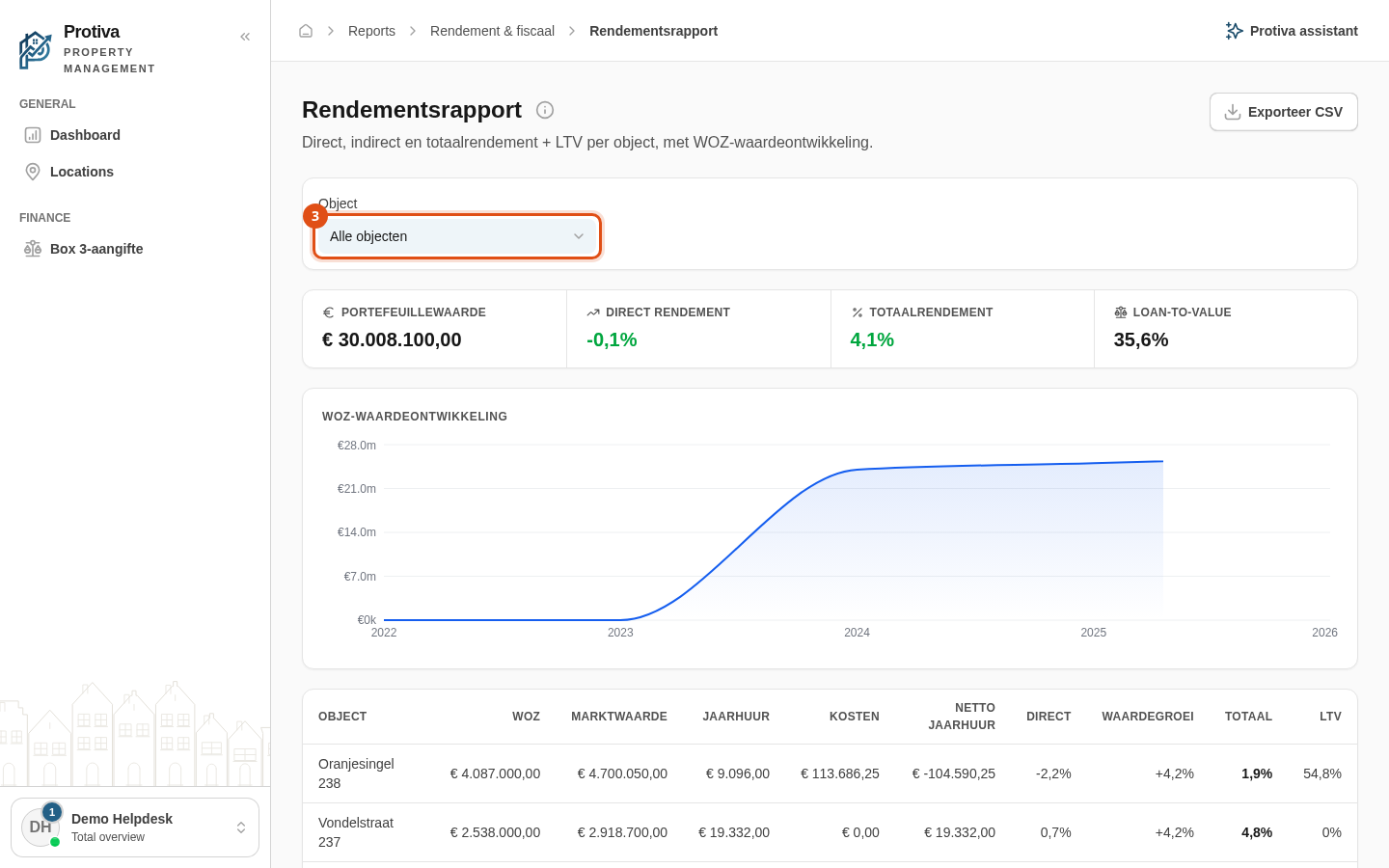
Drill down to the financial year overview of a property
From the yield report you can drill down to the financial year overview of a single property, where you see income and costs broken down month by month.
Open the financial year overview of a property
Go to Reports;
- Open the yield report;
- Click the property name in the Object column for the property whose year overview you want to see.
You now see the financial year overview for that property, with a monthly breakdown of income and costs. Use the Rendementsrapport button at the top left to return to the report. Use the Open object button at the top right to navigate to the full property page.