Dismiss a transaction without an invoice (choose a category)
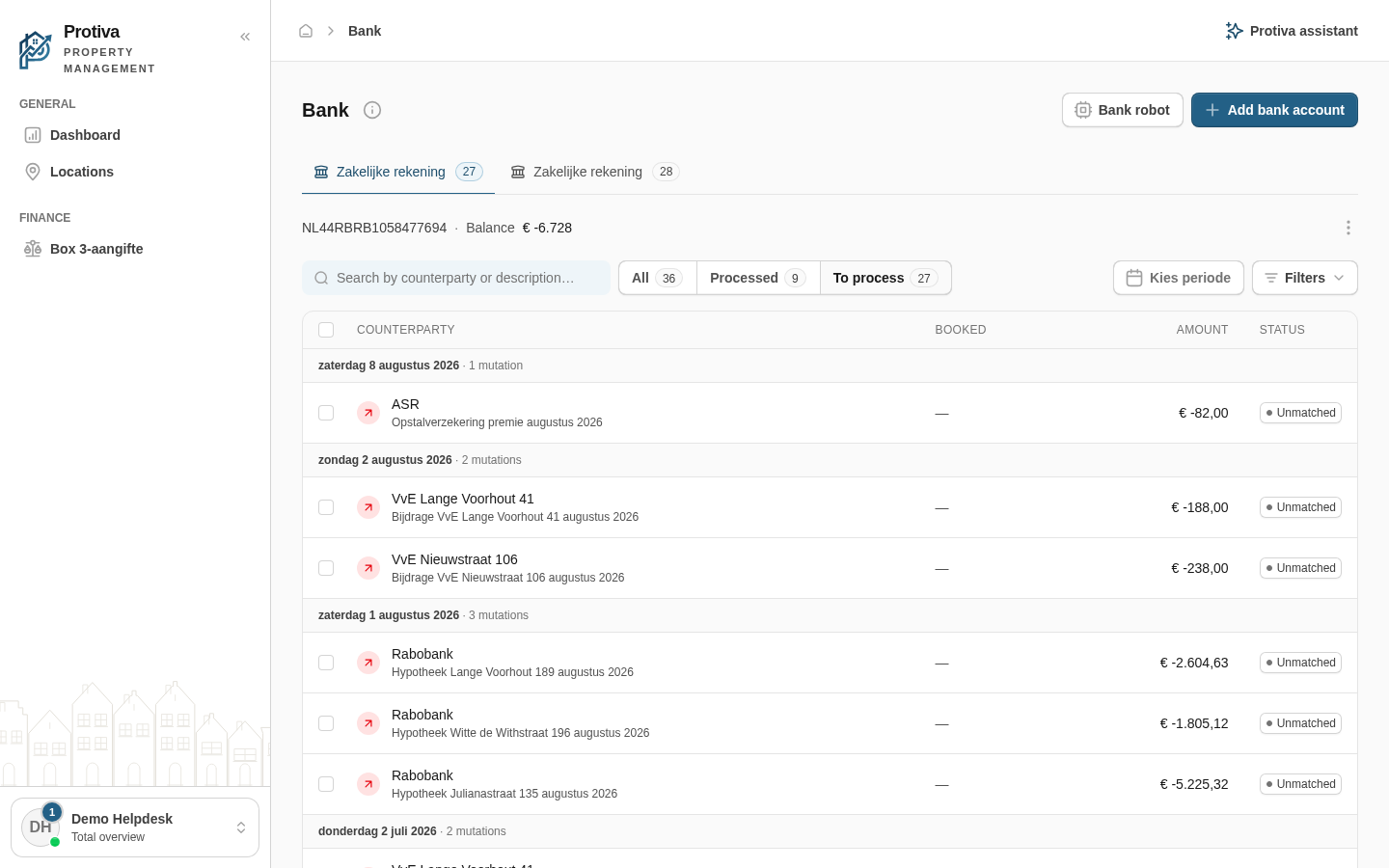
If no invoice belongs to a bank transaction, you can dismiss it to a category so it disappears from the list of transactions to process.
Dismiss a transaction to a category
Go to Bank;
- Click the transaction you want to dismiss to open the side panel;
- Open the Category tab;
- Choose a category from the list, for example Bank charges & interest, Private withdrawal / deposit or Internal transfer;
- Optionally adjust the amount, description or property per booking line;
- Click Post.
The transaction moves to the Processed tab. To undo the booking, reopen the transaction and click Move back.