Delete purchase invoices
Delete purchase invoices you no longer need, individually or several at once.
Delete a single purchase invoice
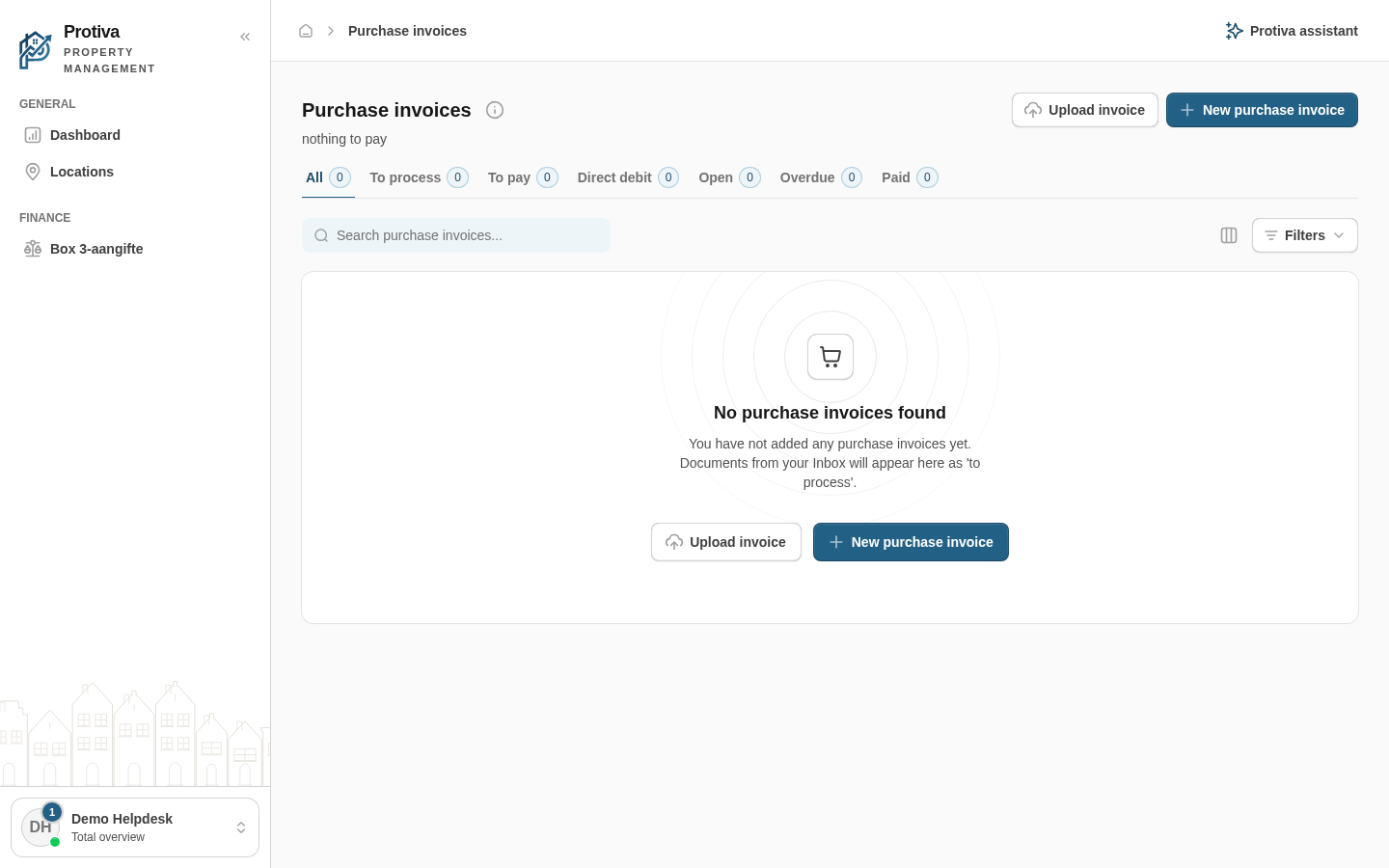
Go to Purchase invoices;
- Select the checkbox of the purchase invoice you want to delete;
- Click Delete in the selection bar at the bottom of the screen;
- The purchase invoice is deleted and disappears from the list.
Delete multiple purchase invoices at once
- Go to Purchase invoices;
- Select the checkboxes of all purchase invoices you want to delete;
- Click Delete in the selection bar at the bottom of the screen;
- All selected purchase invoices are deleted.
Note: deleted purchase invoices cannot be restored.