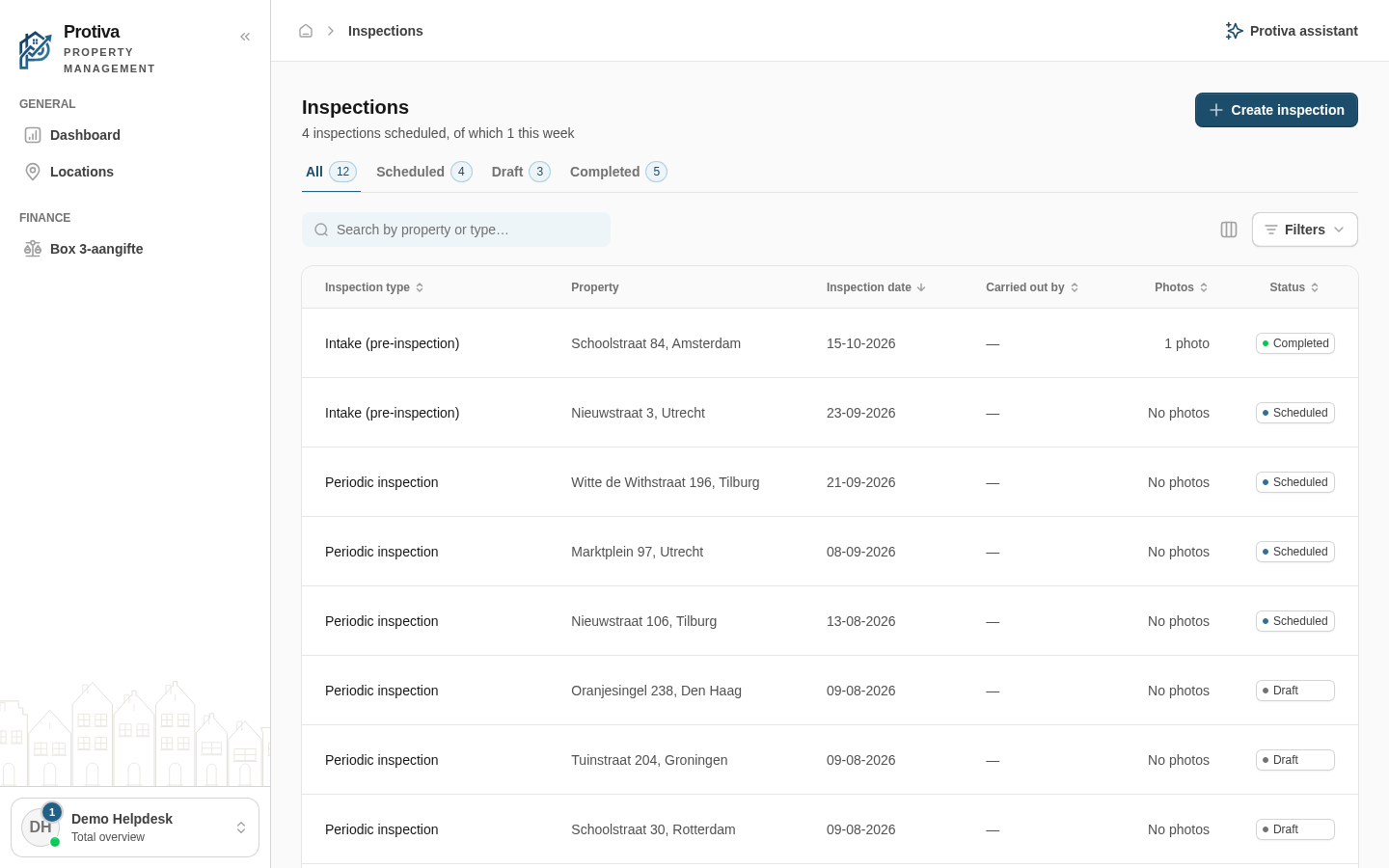
Create or schedule a new inspection
Create an inspection to record the condition of a property, or schedule one so a colleague can carry it out later via the mobile app.
Create an inspection
Go to Inspections;
- Click Create inspection;
- Under What would you like to do?, choose what you want to do:
- Fill in now — you fill in the report straight away;
- Schedule — the inspection is queued for a colleague.
- Select the Property the inspection relates to;
- If the property has multiple units, choose under Applies to whether the inspection covers the Whole property or one specific unit;
- Choose the Inspection type;
- Optionally assign a colleague under Carried out by;
- If you chose Schedule in step 3, enter the Scheduled date;
- Click Create (for Fill in now) or Schedule (for Schedule).
With Fill in now, the detail screen opens immediately in edit mode so you can fill in the checklist right away. With Schedule, the inspection appears in the overview with the status Scheduled.