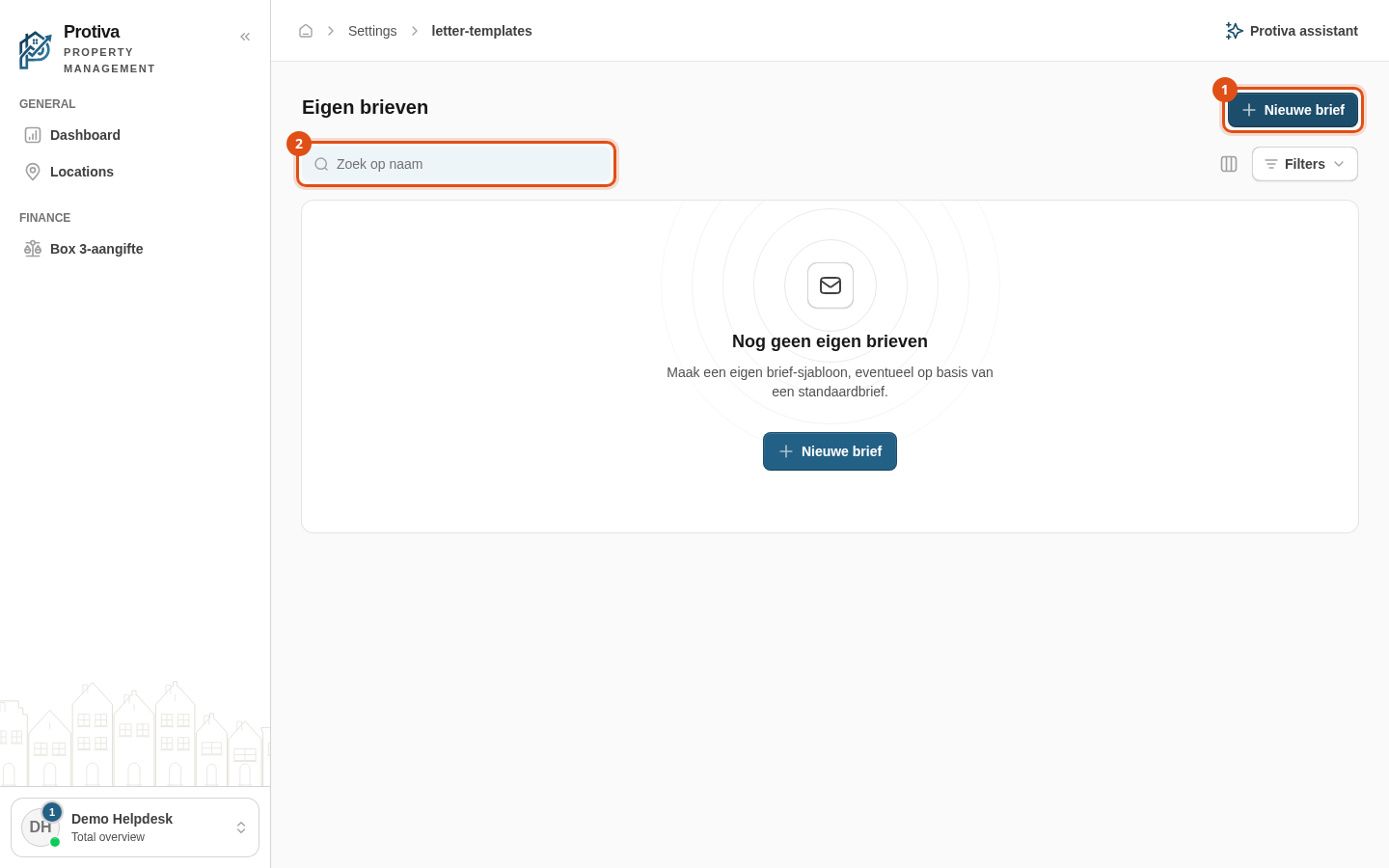
Create or edit a custom letter template
Create custom letter templates that you can use alongside the standard letters when composing messages, or edit an existing template.
Create a new template
Go to Settings;
- Click Nieuwe brief;
- Enter a Naam for the template;
- Optionally choose a Categorie;
- Fill in the Onderwerp (e-mail) field if the template will be sent by email;
- Write the letter text in the Brieftekst (Markdown) field;
- Click Aanmaken.
Edit an existing template
- Go to Settings;
- Click the Bewerken button next to the template you want to modify;
- Adjust the desired fields;
- Click Opslaan.
The letter text supports Markdown formatting. Below the text field you can see which variables are available.