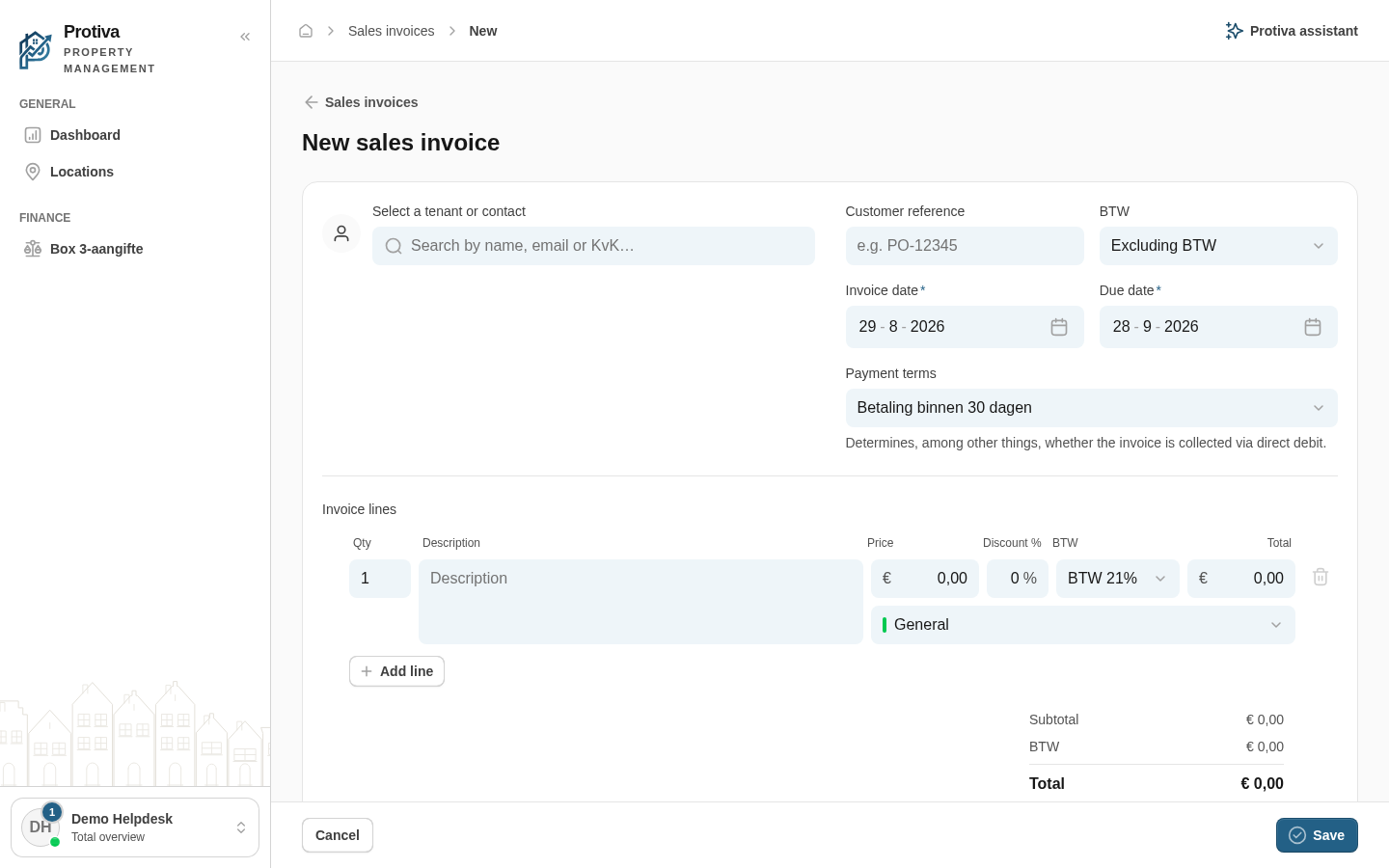
Create a new sales invoice
Create a one-off sales invoice for a tenant or contact, with custom invoice lines and VAT rates.
Create an invoice
Go to Sales invoices;
- Click New invoice;
- At Select a tenant or contact, select the tenant or contact the invoice is addressed to;
- Optionally link a property or lease via Property / lease;
- Fill in the Invoice date and Due date;
- Under Invoice lines, add the desired lines with Add line and fill in the description, quantity, price and VAT rate for each line;
- Click Save to save the invoice as a draft.
The invoice now appears as a draft in the overview. From there you can send or further edit it.