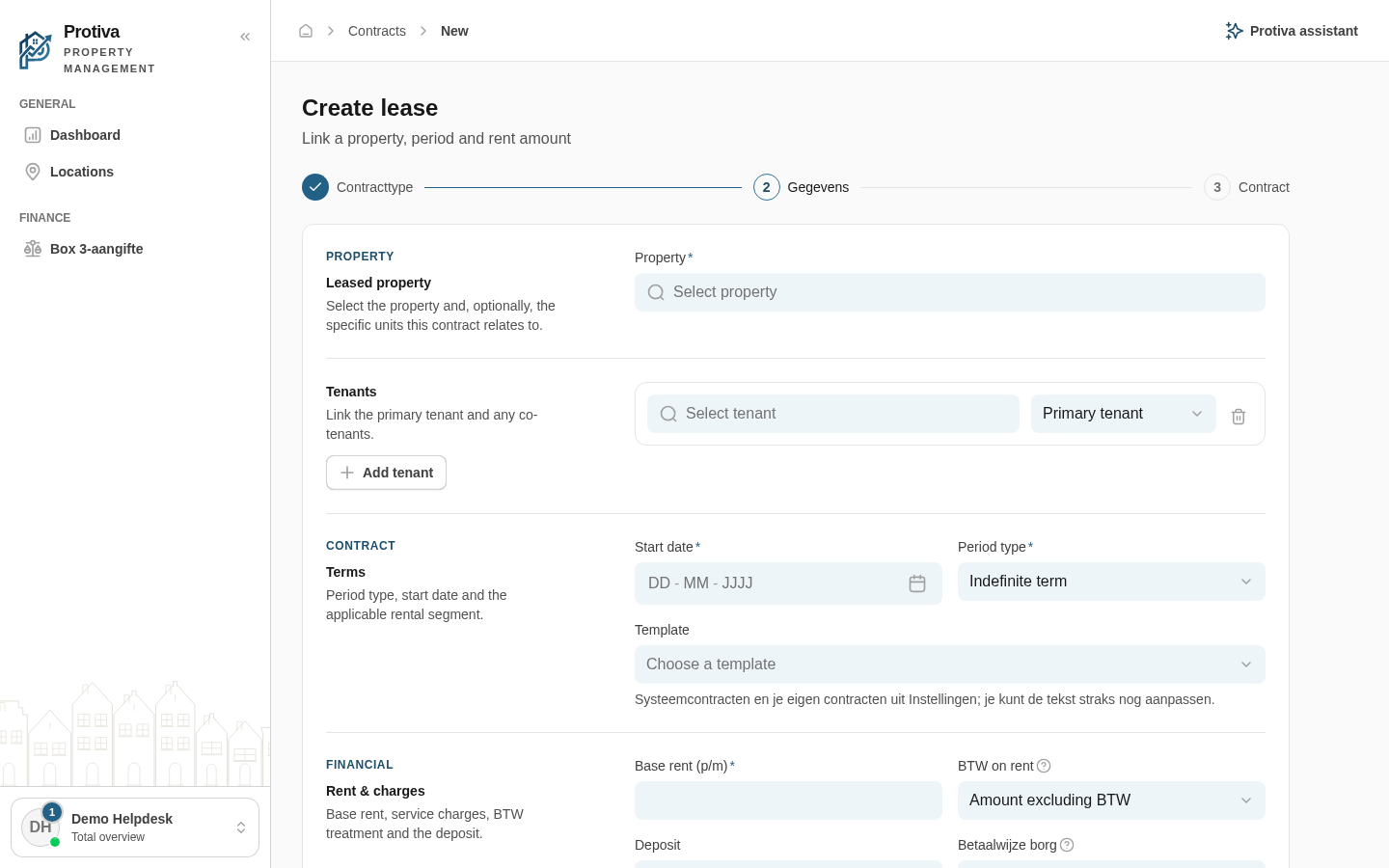
Create a new lease
A lease links a property to a tenant and records the rental terms. From an active lease Protiva automatically generates the monthly rent invoices.
Create a lease
Go to Contracts;
- Click Create lease;
- Choose the contract type:
- Lease — Let a property to a tenant: period, rent and deposit.
- Select a property in the Property field and optionally choose specific units in Units (optional);
- Set the terms: choose a Period type, enter the Start date and — for a fixed term — the End date;
- Enter the financial details: Base rent (p/m), BTW on rent, Payment method and optionally Service charges advance payment (p/m) and Deposit;
- Link the primary tenant in the Select the primary tenant field and optionally add co-tenants via Select co-tenants;
- Click Save as draft to save the lease as a Draft.
The lease is created with the status Draft. Next, proceed to compose the contract text, configure invoicing and activate the lease.