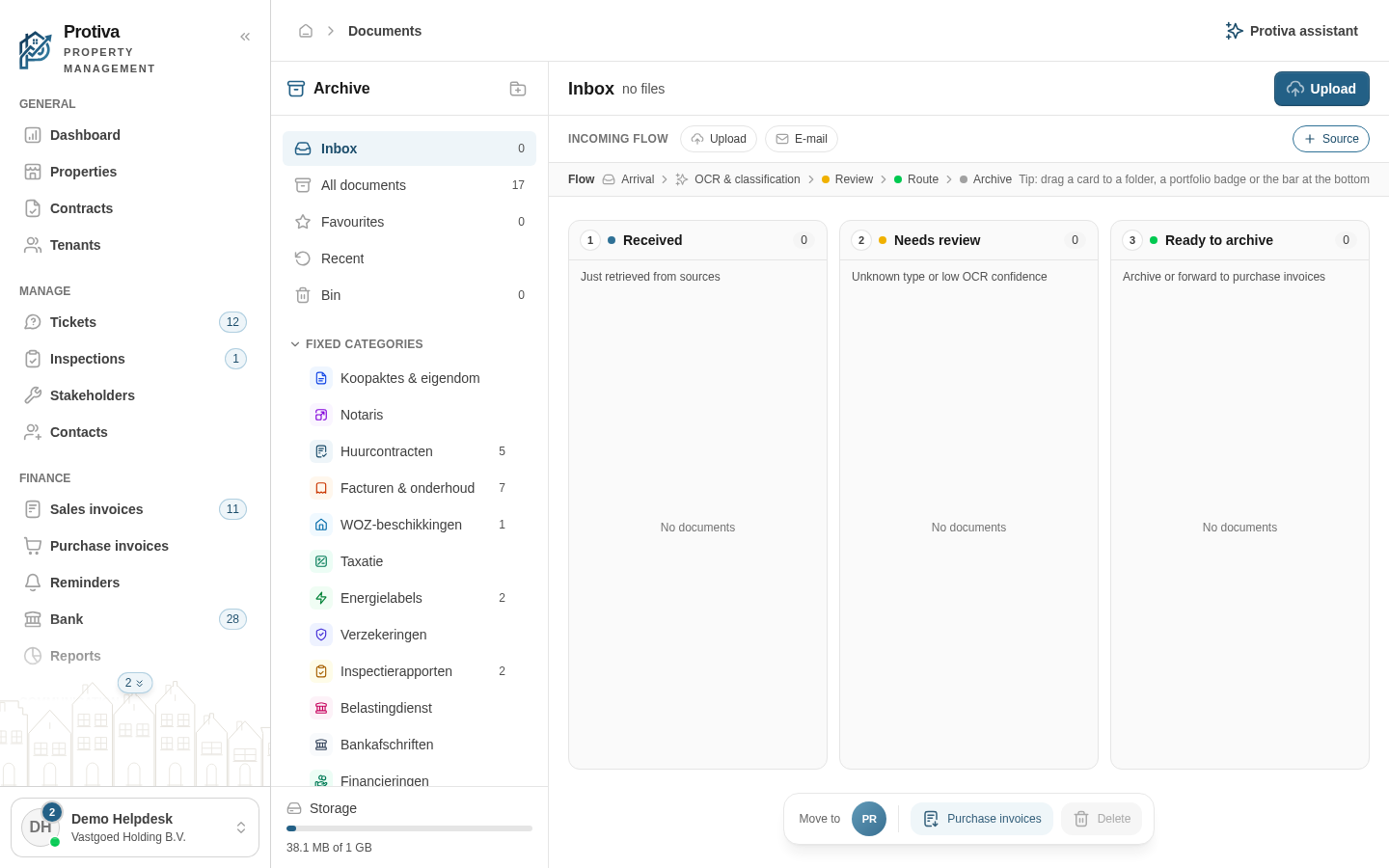
Connect an email source to the inbox
Connect an email address to your inbox so that documents sent to that address are automatically received, scanned and classified by the AI.
Connect an email source
Go to Documents;
- Click Source in the sources bar above the inbox;
- Click Set up next to Incoming e-mail;
- Enter a name in the Name field. Use only lowercase letters, numbers and hyphens;
- Click Connect.
After connecting, your unique inbox address appears at Your inbox address. Copy this address and set up a forwarding rule with your email provider. Emails with attachments are automatically processed and appear in the inbox.