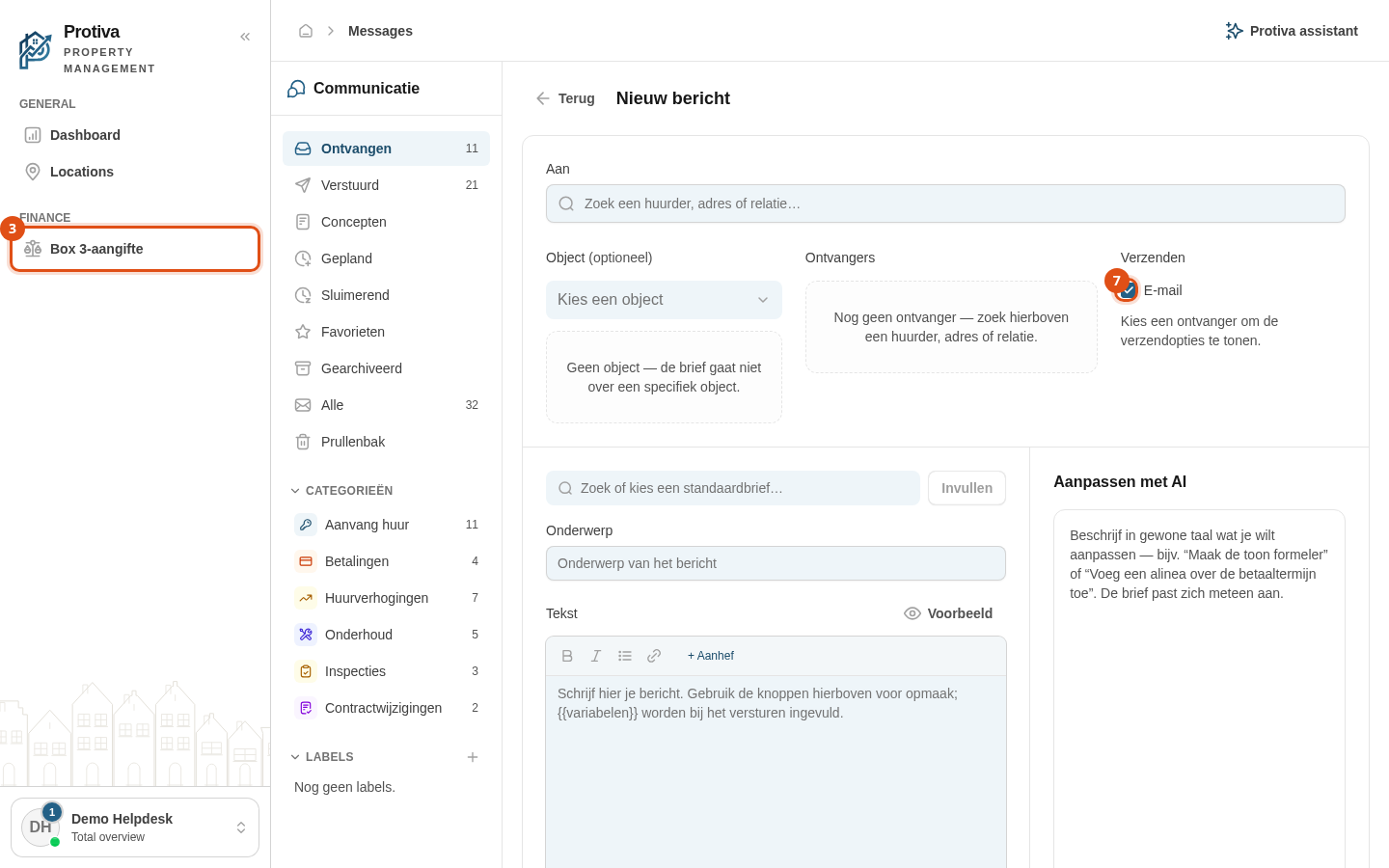
Compose and send a new message
Compose a new message from the inbox, choose a recipient, and send it by email or post.
Compose and send a new message
Go to Messages;
- Click Nieuw bericht;
- In the Aan field, search for a tenant, address or contact and select the desired recipient;
- Optionally choose a property to set the context for merge fields;
- Choose a template in the template dropdown and click Invullen to generate the subject and body;
- Edit the subject and body text in the text field;
- Under Verzenden, select the channel the message should use (Email and/or a postal delivery option);
- Click Versturen.
After sending you are returned to the inbox and the message appears in the list.