Complete the setup guide for an empty portfolio
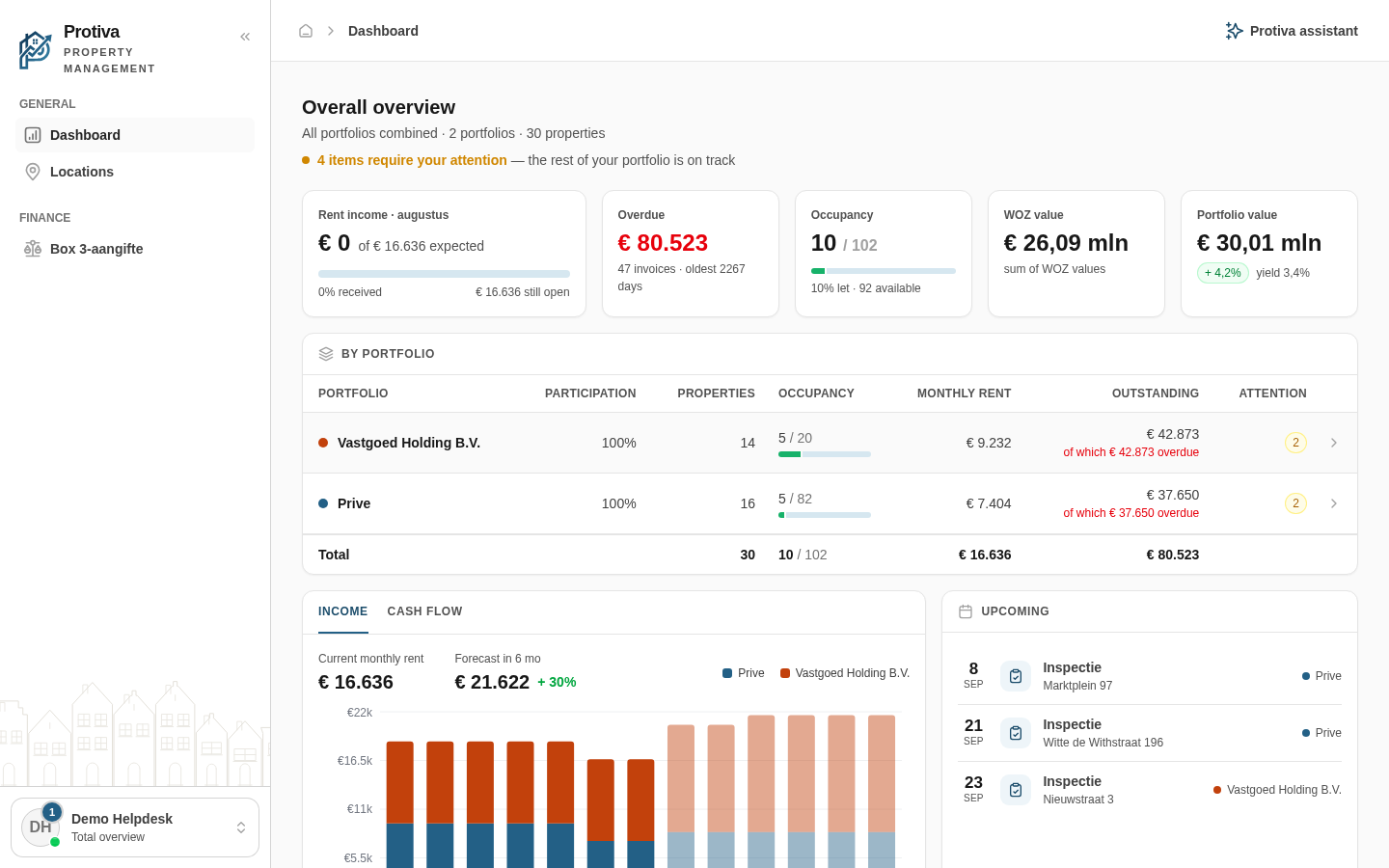
When your portfolio does not yet contain any properties, Protiva displays a setup guide that walks you through creating your first property, tenant and lease in four steps. Once your first lease is active, the guide disappears and you see the full dashboard with real figures.
Complete the setup guide
Go to Dashboard;
- Verify that step 1 (Account created) is already checked off — this happens automatically when your account is created;
- Click Add property next to step 2 (Add your first property) to create your first property;
- After creating your property, add a tenant and lease — step 3 (Link a tenant and lease) becomes available once your first property exists;
- Step 4 (View your dashboard with real figures) checks itself off as soon as your first lease is active. The dashboard then automatically shows your actual portfolio data.
The guide appears both on the portfolio dashboard and in the Total overview, unless another user shares a portfolio with you that already contains properties.