Book multiple transactions to suspense items at once
Have several bank transactions you want to handle without an invoice? Select them and book them to suspense items in one go, so they disappear from the list of transactions to process.
Select transactions and book to suspense items
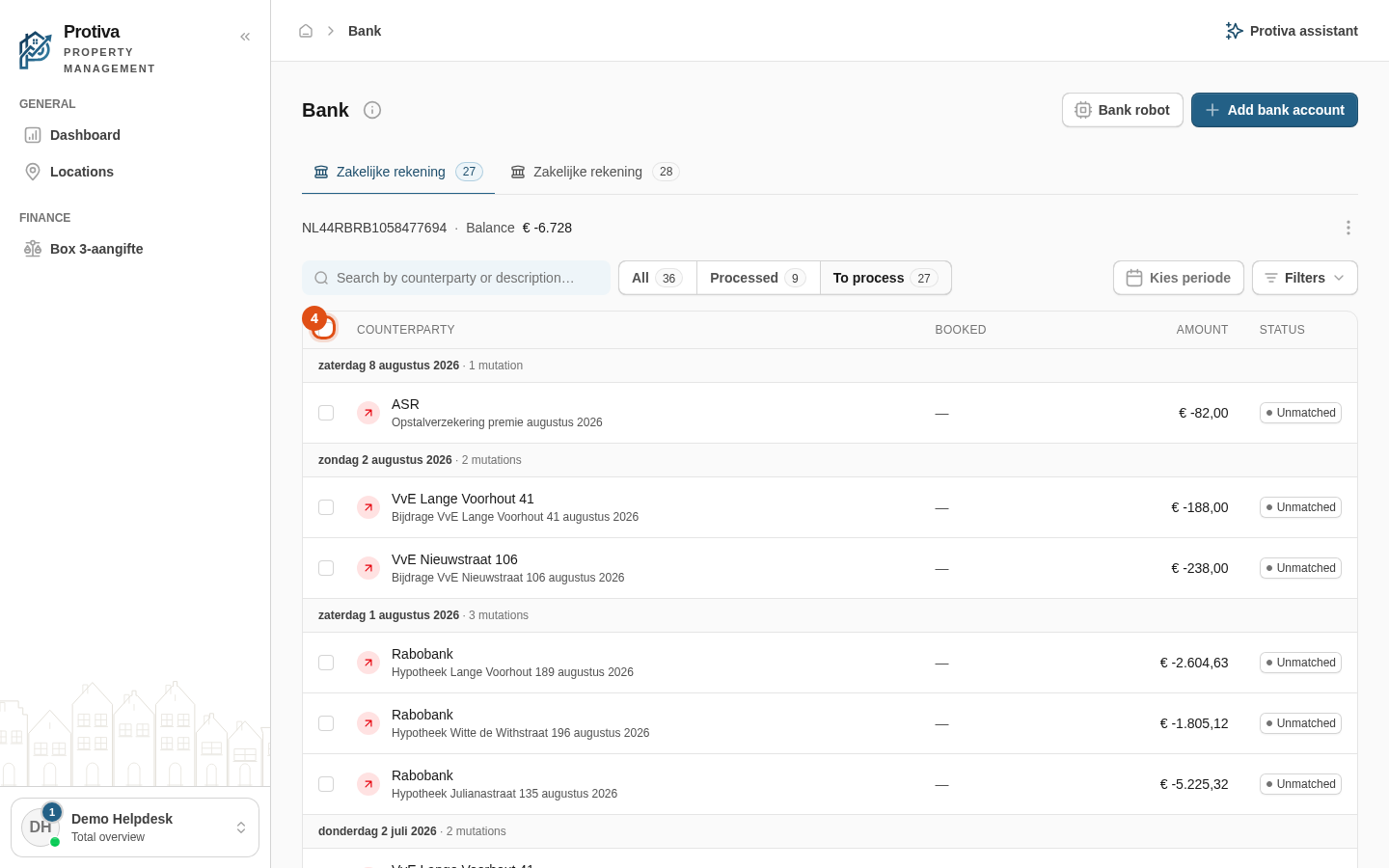
Go to Bank;
- Click the tab of the bank account whose transactions you want to dismiss;
- Make sure the status filter is set to To process so you only see unprocessed transactions;
- Tick the transactions you want to dismiss using the checkbox to the left of each row — optionally use the checkbox in the column header to select all at once;
- In the bulk bar that appears, click Post to suspense;
- In the dialog, choose the category the transactions should be booked to;
- Click Post.
The selected transactions are now handled and appear under Processed. You can always undo this by opening a transaction and clicking Move back.