Ask questions about a document using the AI chat
The AI chat lets you ask questions about the contents of an opened document. The AI formulates an answer based on the document text, so you can quickly find information without reading the entire document.
Ask a question via the AI chat
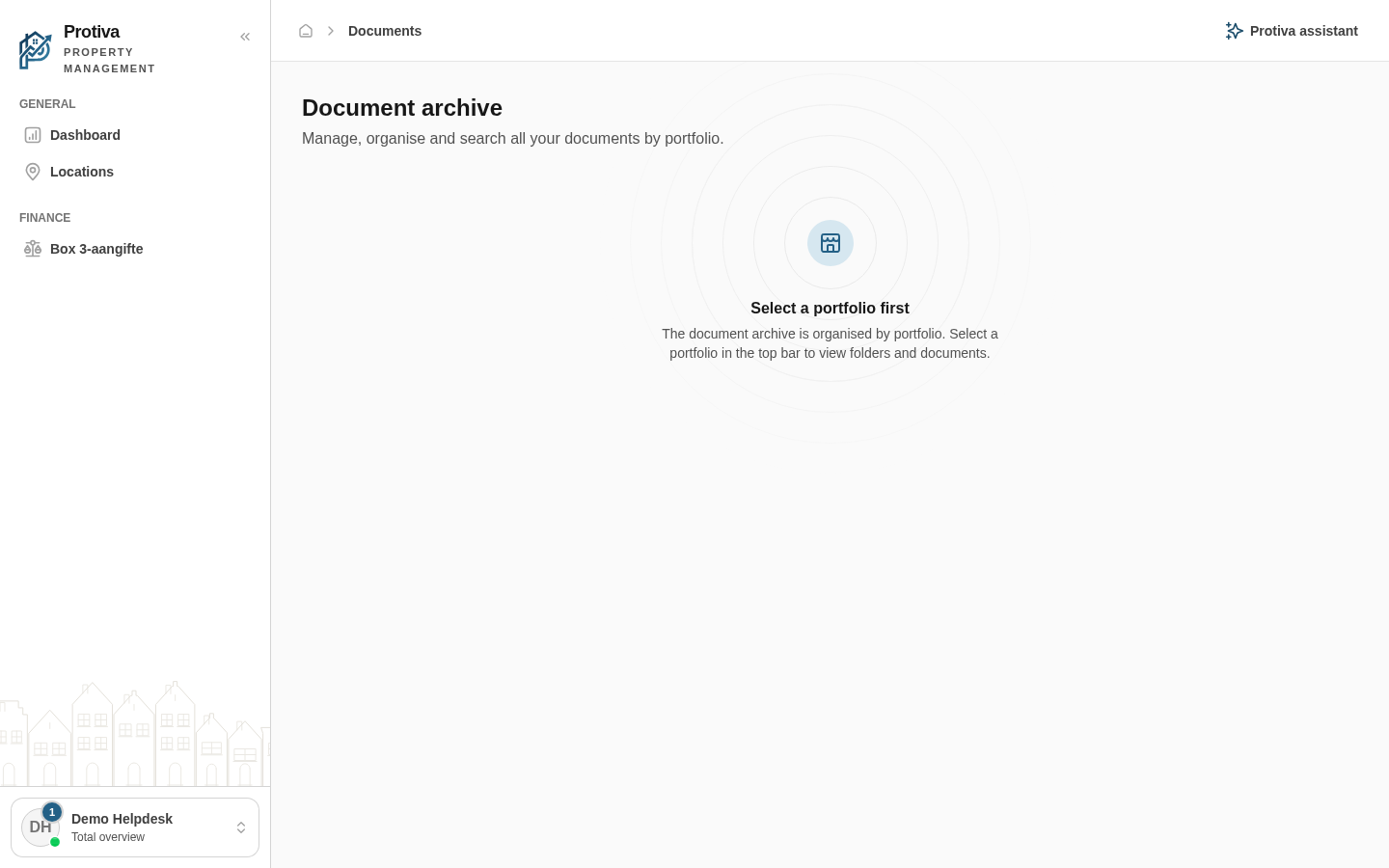
Go to Documents;
- Click a document to open the detail panel;
- Scroll down in the right-hand panel to the chat section under Questions about this document;
- Type your question in the input field Ask a question about this document…;
- Click Send to send the question.
The answer appears immediately in the chat window. Click Clear conversation to clear the conversation and start over. Note: the AI bases its answer solely on this document — always verify the answer yourself.