Adjust the letter text with the AI assistant
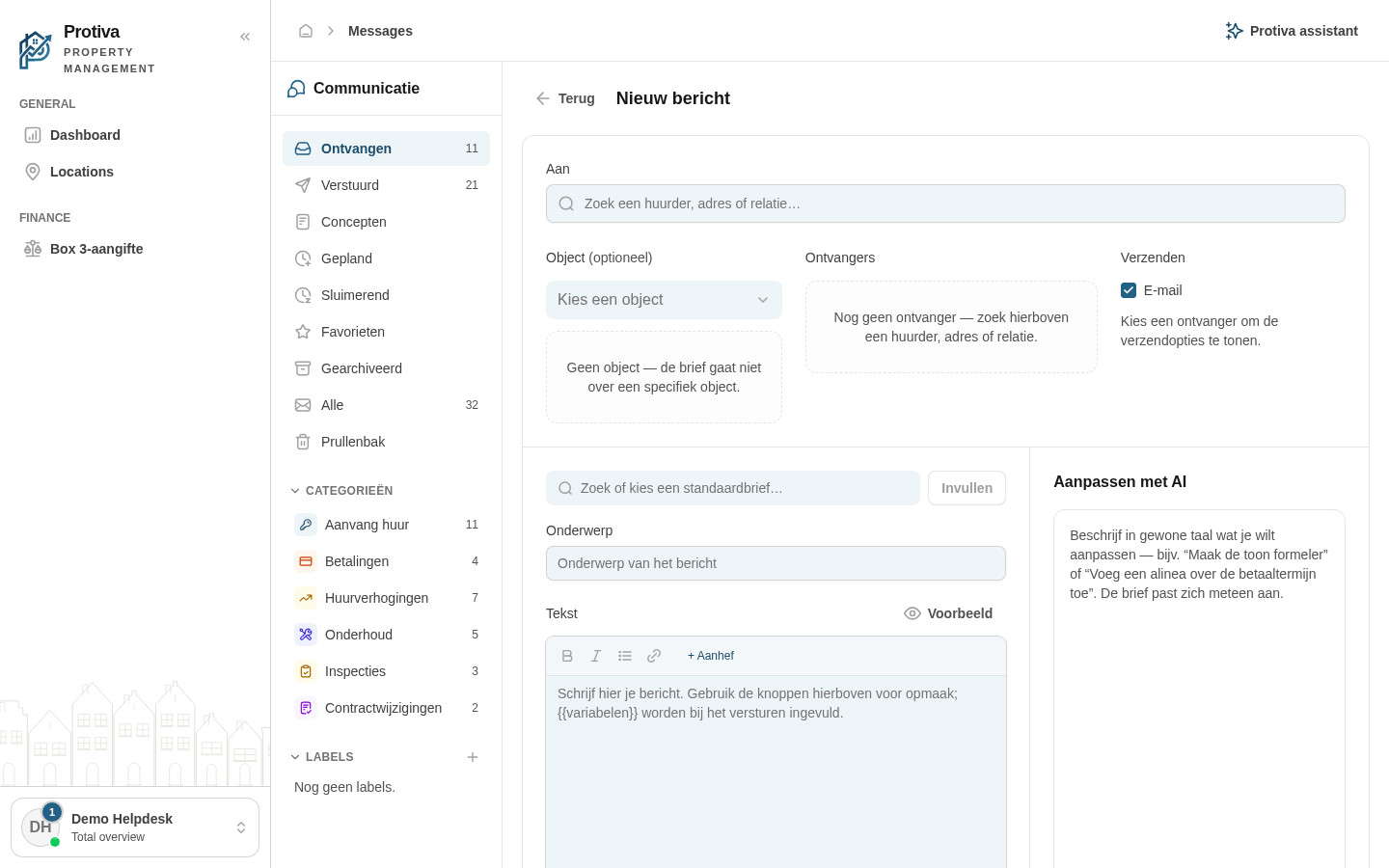
The AI assistant lets you adjust the text of a message by typing an instruction. The assistant rewrites the letter text based on your prompt, so you quickly arrive at the right wording.
Adjust the letter text with the AI assistant
Go to Messages;
- Click Nieuw bericht to open the composer;
- Write or generate a letter text in the text field on the left first;
- Type an instruction in the Aanpassen met AI field on the right, for example "Make the tone more formal" or "Add a paragraph about the notice period";
- Click Versturen or press Enter to send the instruction to the AI;
- Review the adjusted text in the preview — the AI updates the letter text immediately;
- Optionally type a follow-up instruction to refine the text further.
The AI assistant remembers the conversation as long as you stay in the composer. Always review the result yourself before sending the message.