Add or invite a tenant
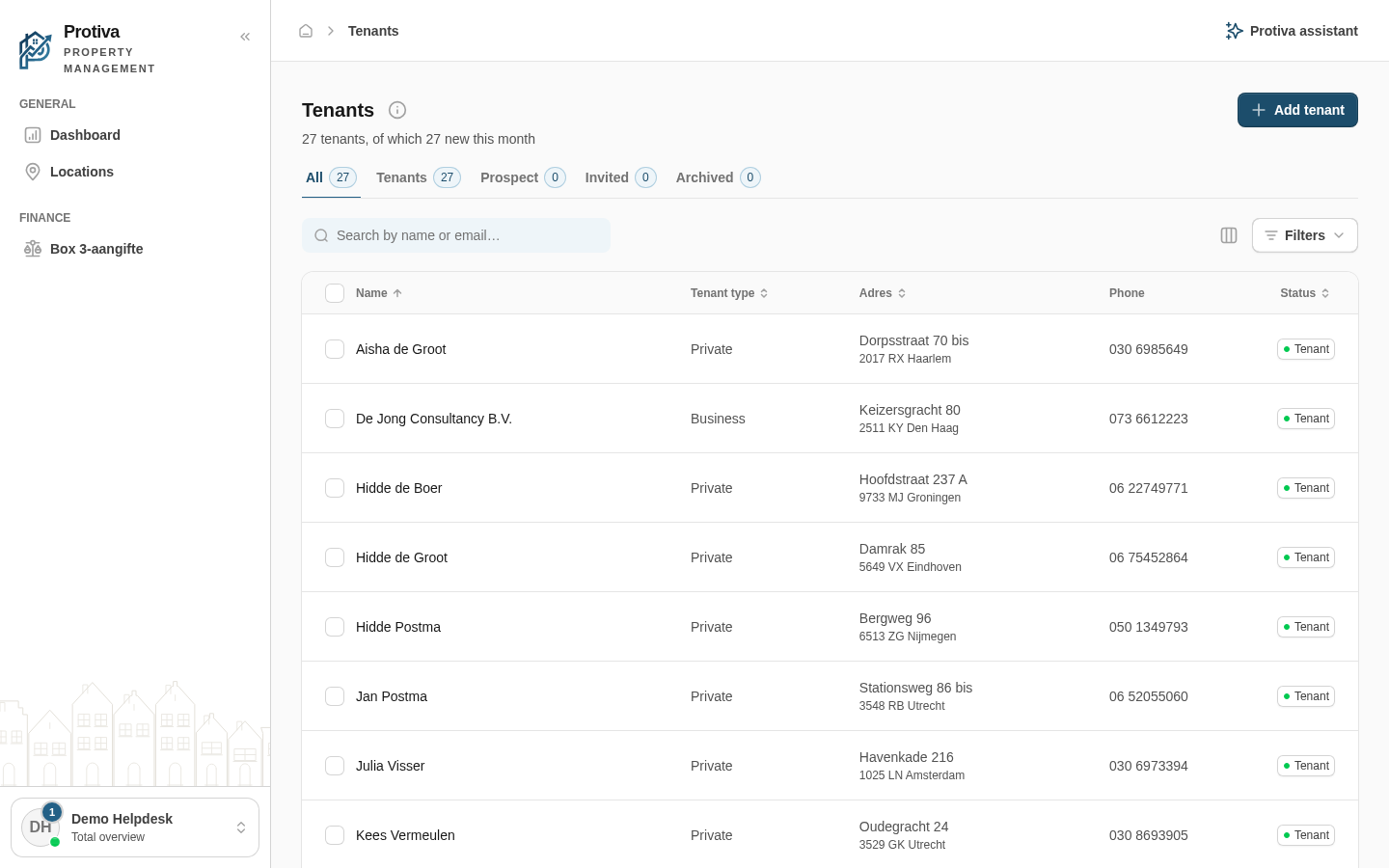
Add a new tenant by entering the details yourself, or invite the tenant so they can create their own account via the Protiva app.
Add or invite a tenant
Go to Tenants;
- Click Add tenant;
- Choose how you want to add the tenant:
- Add manually — you are redirected to the new tenant form and enter all details yourself;
- Invite — the invitation form opens:
- Enter the Email address, the Phone number (for SMS), or both;
- Optionally select a property in the Property (optional) field;
- Click Send invitation.
When you send an invitation, the tenant receives a link by email and/or SMS to create their own account. The tenant is immediately added to the list as a prospect.