Add attachments to a message
Attach files to an outgoing message, such as a photo or a document from your archive. The recipient receives the attachments with the email or letter.
Add attachments
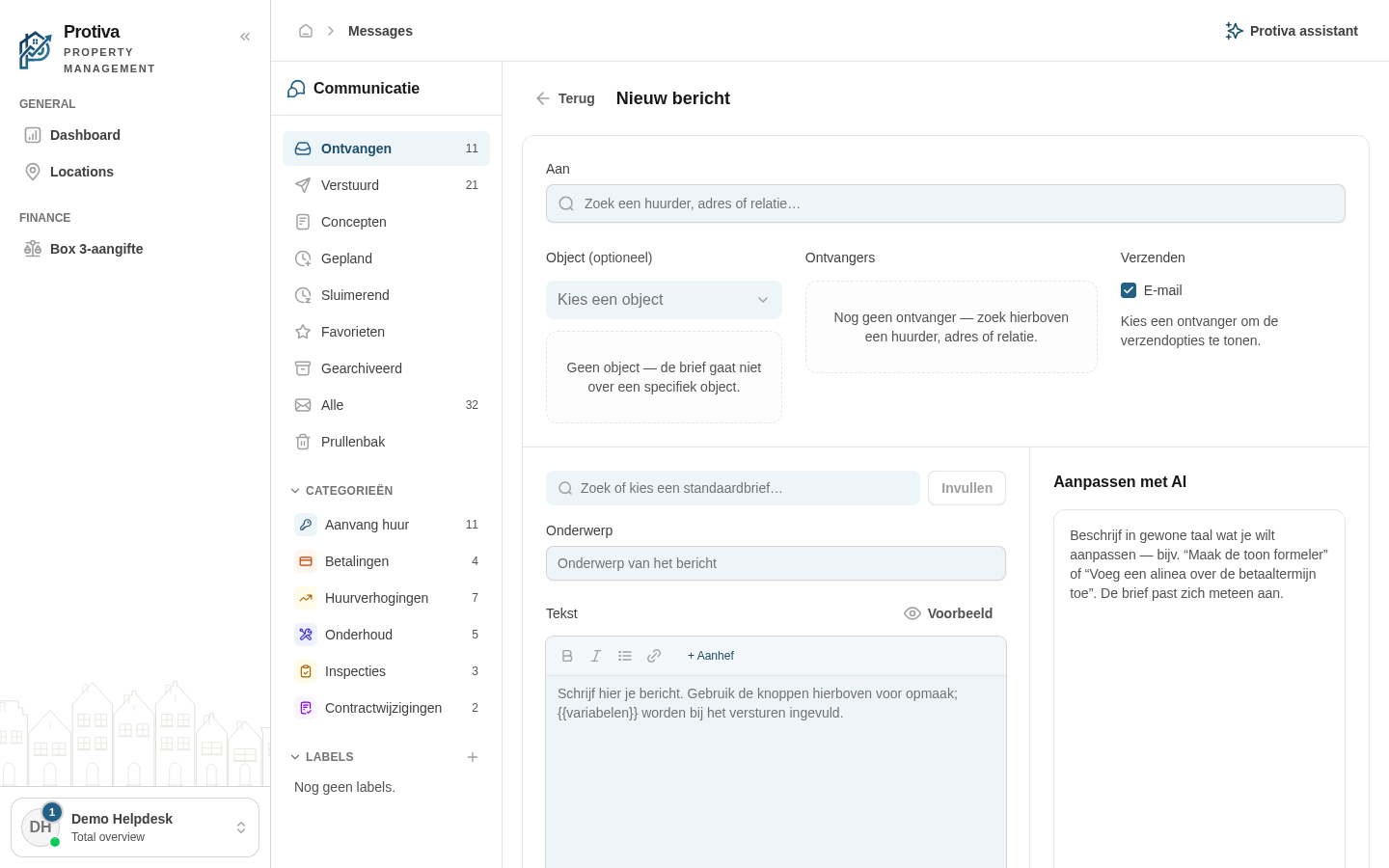
Go to Messages;
- Click Nieuw bericht to open the composer;
- Click the Bijlagen button (paperclip icon) below the text field;
- Choose how to add the attachment:
- Bestand uploaden — drag a file or click to select one from your computer;
- Uit archief kiezen — select a previously saved document from the document archive.
- Repeat steps 3–4 to add more attachments;
- Click Versturen to send the message with attachments.
Attachments are also saved when you store the message as a draft.