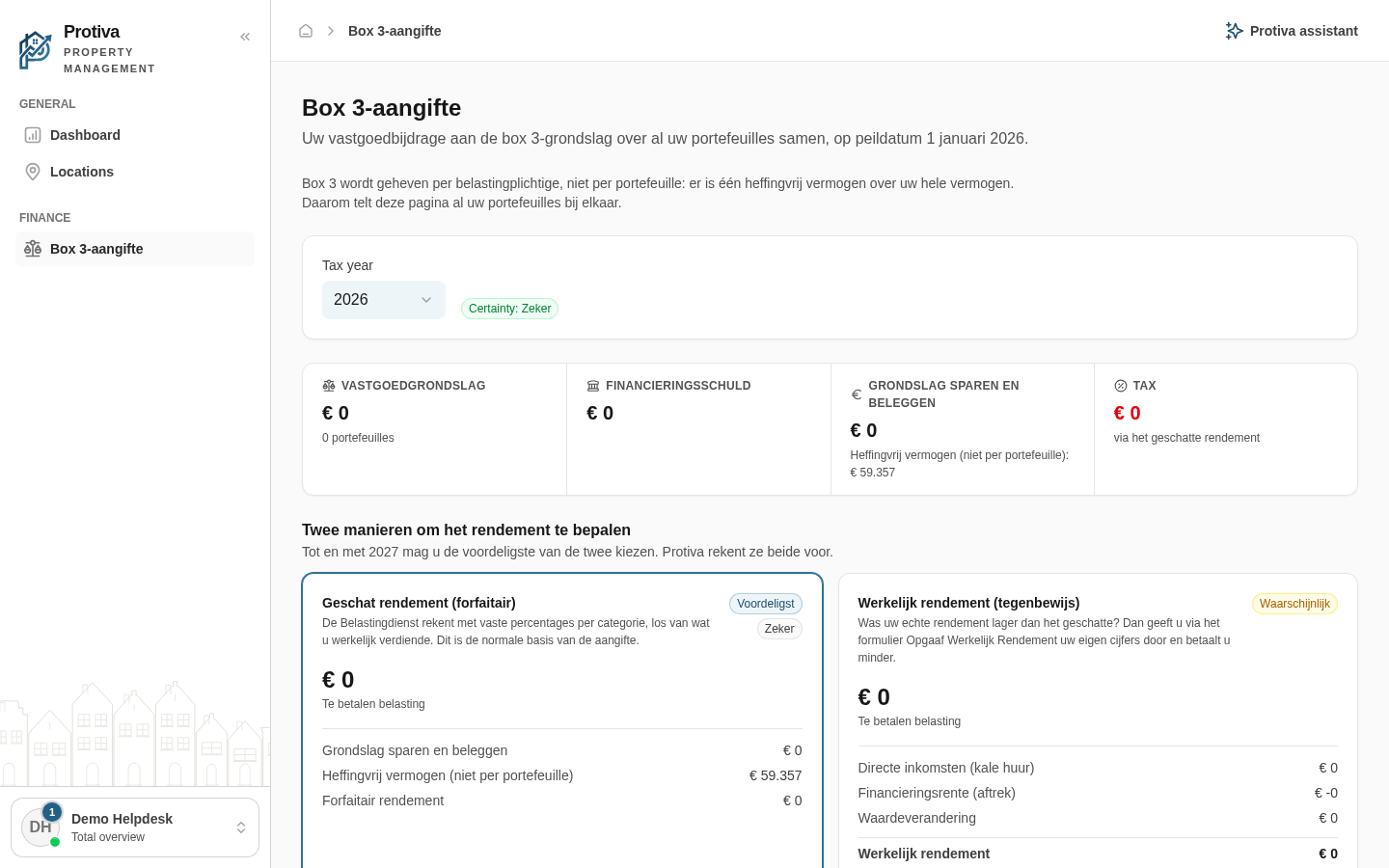
Add assets outside Protiva (bank balances, other assets, debts and actual return)
Protiva only knows your real estate. In the Wealth outside Protiva section you can add bank balances, other assets, debts and actual return so the box 3 calculation includes your full wealth.
Enter assets outside Protiva
Go to box 3 return;
- Scroll down to the Wealth outside Protiva section;
- Enter the total of your bank and savings accounts in the Bank balances field;
- Enter the value of assets not tracked in Protiva, such as investments or crypto, in the Other assets field;
- Enter debts that are not recorded as a financing in Protiva in the Other debts field;
- Enter your actual return on other assets, such as interest, dividends or capital gains, in the Actual return on other wealth field — a loss may be negative;
- Enter annual maintenance and management costs in the Maintenance & management (annual) field.
The calculation updates automatically once you stop typing. The entered amounts are not saved: they apply only to the current session.