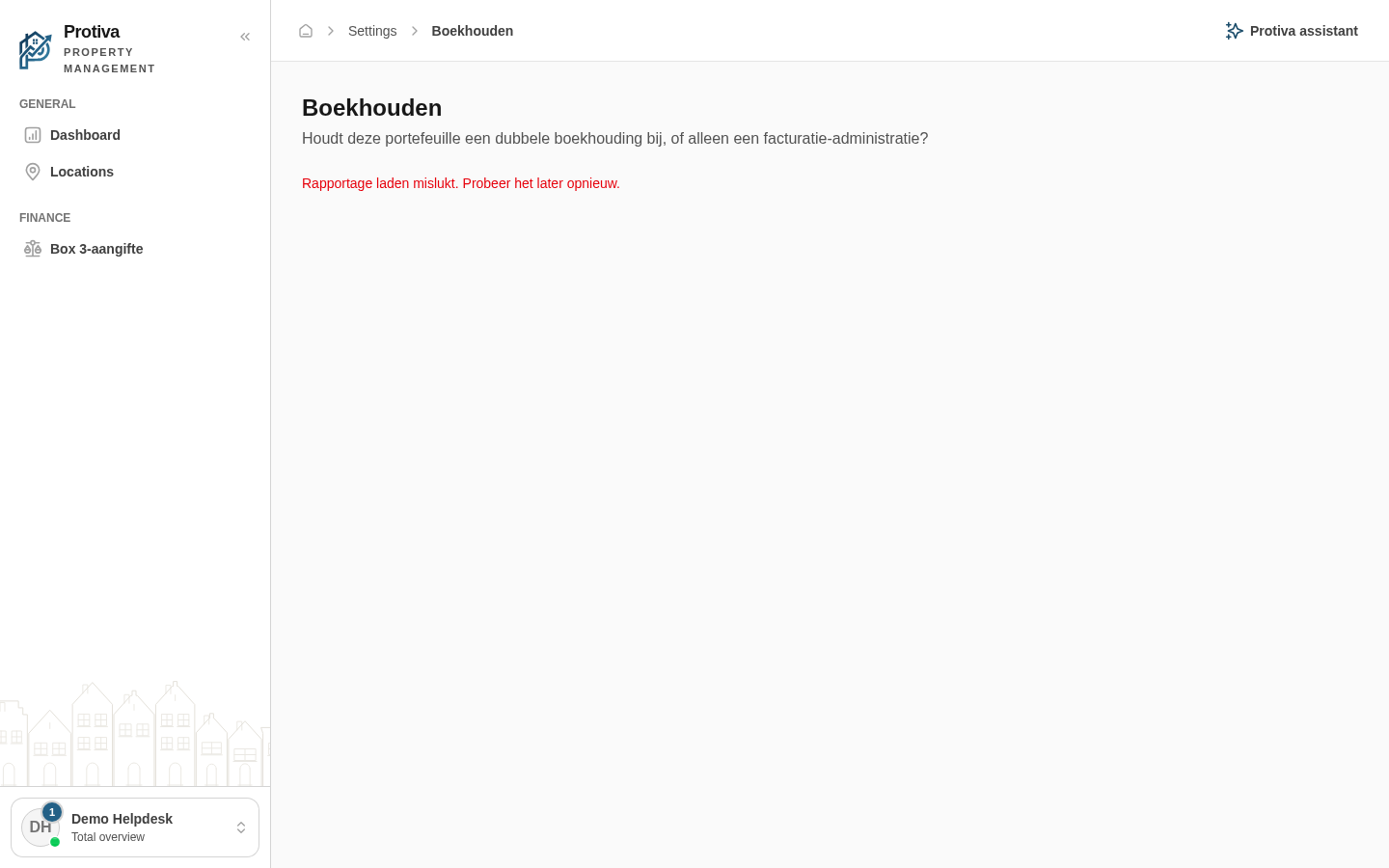
Bookkeeping lets you choose whether your portfolio uses full double-entry bookkeeping (with journal entry numbers, trial balance and balance sheet) or invoicing only. This setting is available for Dutch portfolios only.
Open Bookkeeping
Go to Settings;
Click Bookkeeping in the Sales group.
The bookkeeping setting applies per portfolio — switch the active portfolio in the menu to configure a different one.
Updated on 8/27/2026
Was this article helpful?
Log in
Choose your portal
Every role has its own environment. Pick where you want to log in.
Each role has its own account and its own portal. Pick yours and you create the right account straight away.
Your own property
Management firm
Trades
By invitation
You'll get an invitation by e-mail from your landlord. Open the link in that e-mail to activate your account. No invitation? Ask them to send it again, and check your spam folder too.
A sales agent account comes from the developer you sell for.
Already have an account or an invitation?
Account type:
✓
Check your email
We have e-mailed you the activation link. It usually arrives within a minute. Click the link, choose a password and you are in. No e-mail? Check your spam folder as well.