Accept or dismiss proposed changes from a tenant
When a tenant updates their details in the app, the proposal appears on the tenant page. You decide per proposal whether the change is applied or dismissed.
Review a proposed change
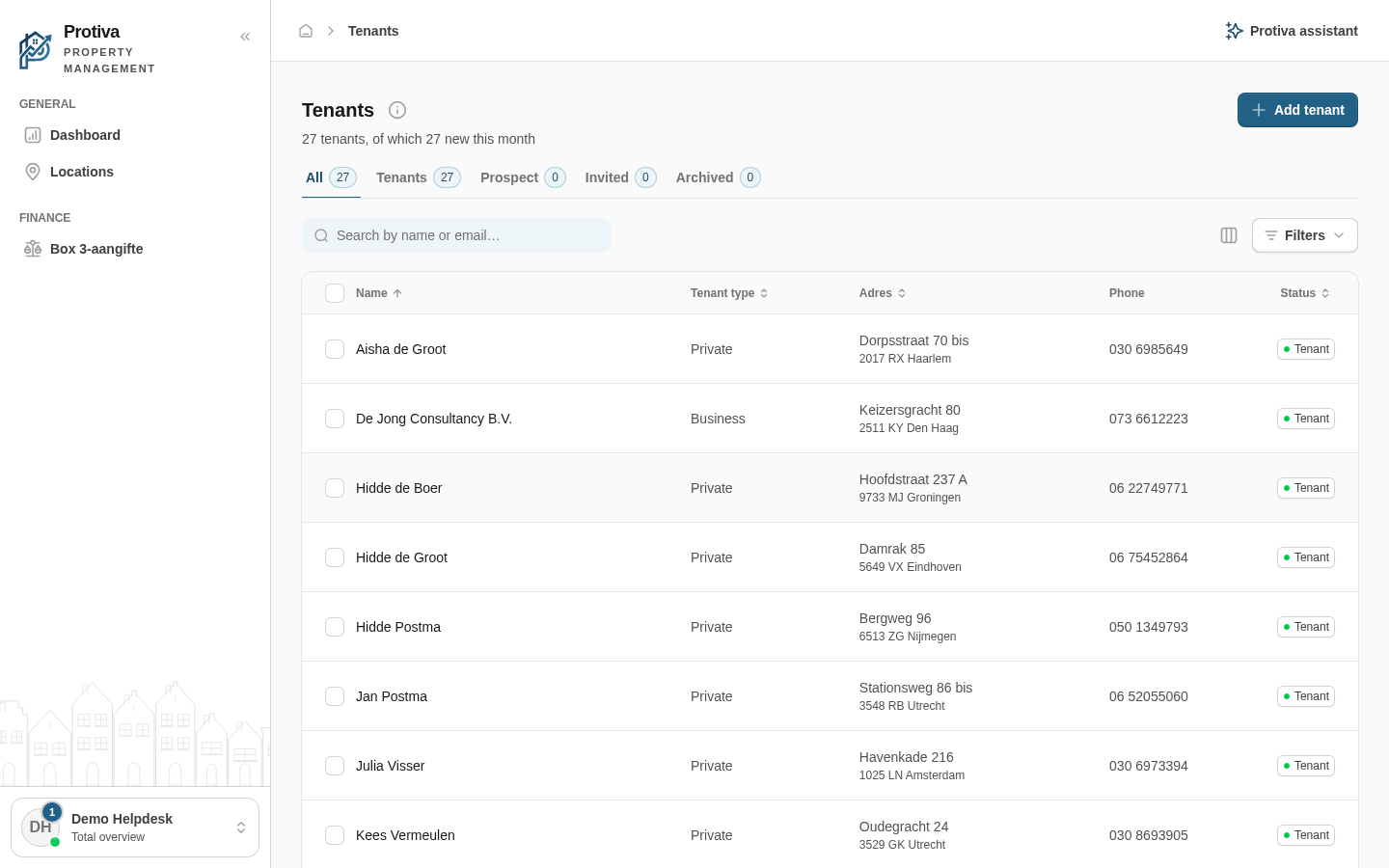
Go to Tenants;
- Click the tenant that has an open proposal — tenants with a proposal are recognisable by the Updates label in the name column;
- Review the purple Proposed change card above the tab content. For each changed field you see the old value (struck through) and the new value;
- Choose an action:
- Click Accept to apply the change to the tenant record;
- Click Dismiss to ignore the change. The current details remain unchanged.
Handled proposals appear in the change history at the bottom of the General tab. You can also quickly reach the list of open proposals via the Updates tab on the tenants list.